Golf Simulator Extras and Upgrades That Are Actually Worth It
The core build gets you playing. These additions turn a functional bay into a studio you never want to leave, added in the order that pays off most.
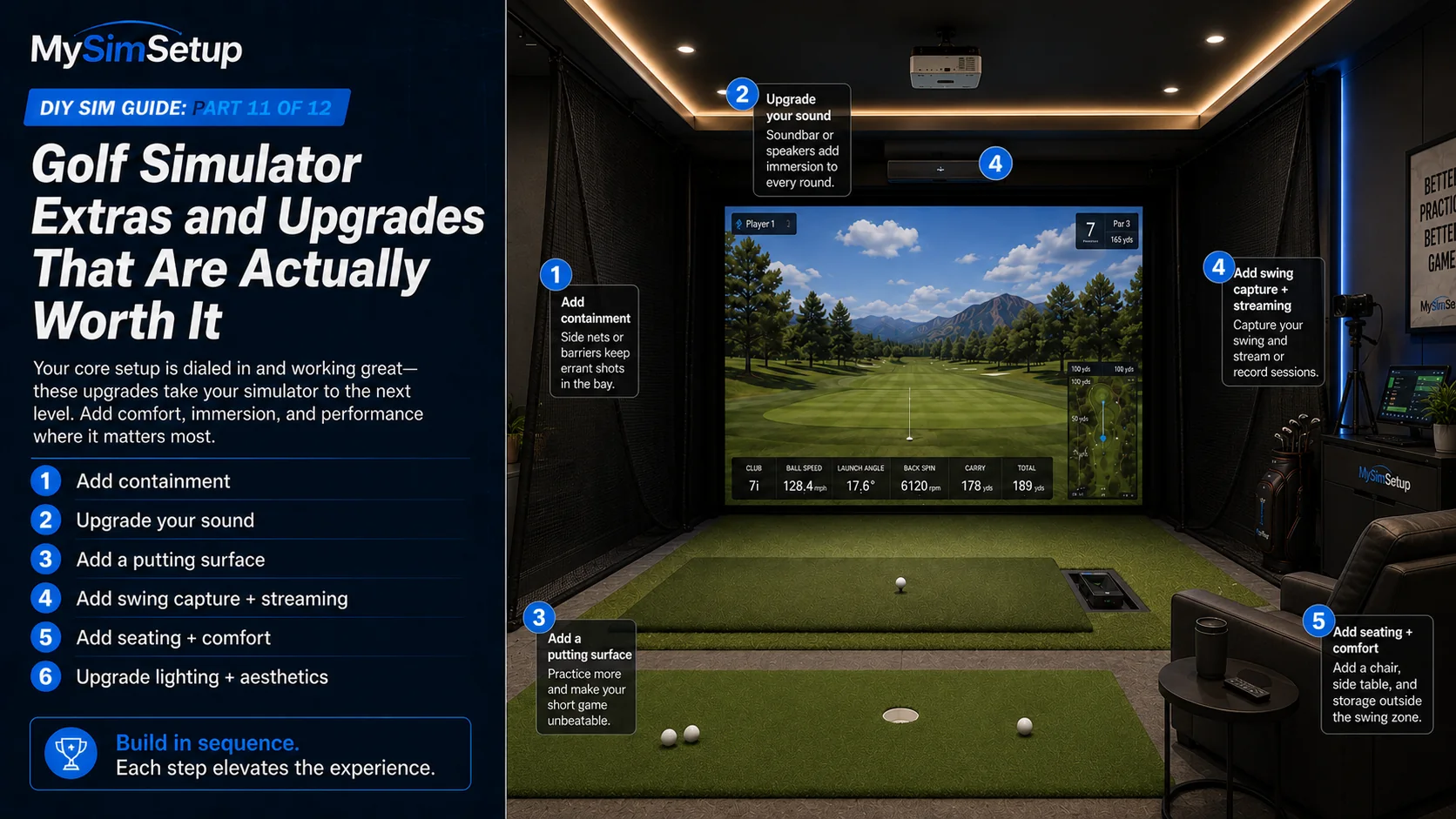
Once the core simulator plays, the fun begins: the upgrades that make the room yours. The trick is to add them in priority order, after the essentials work, so you spend on the things that raise enjoyment and protect the room rather than chasing shiny extras first. This chapter runs through the additions that genuinely earn their place, containment, sound, putting, capture, comfort, and finish, roughly in the order most builders should tackle them.
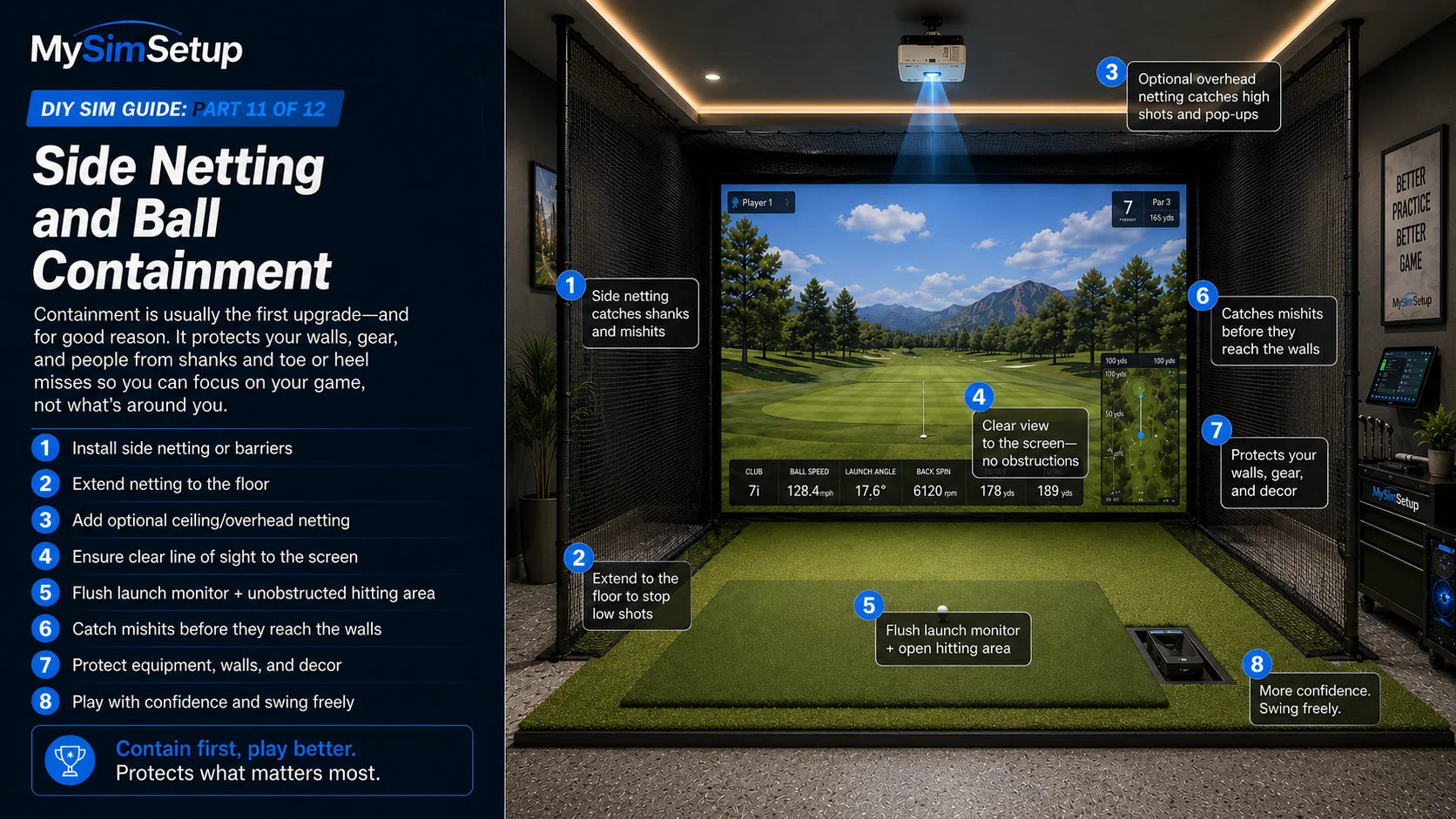
Side netting and ball containment
The first upgrade for most bays is containment. Side netting and barriers catch shanks, heel and toe mis-hits, and the occasional rocket that misses the screen, protecting your walls, your gear, and anyone nearby. It is inexpensive insurance that lets you swing freely without worrying about what a bad strike will hit.
Sound
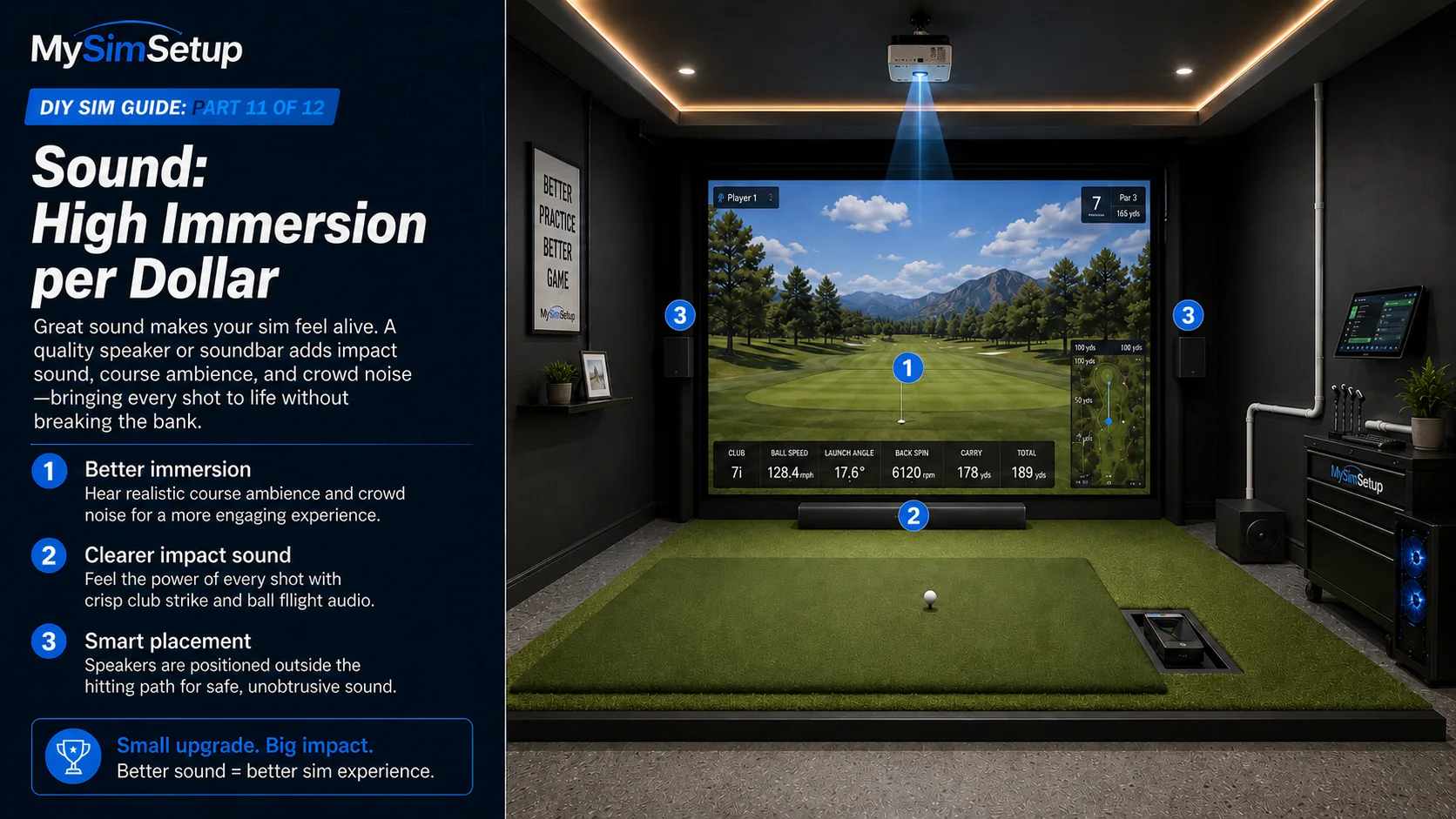
Audio transforms immersion for surprisingly little money. A decent speaker or soundbar brings the crack of impact, course ambience, and crowd noise to life, making a round feel real instead of silent. It is one of the highest returns on immersion per dollar in the whole build.
Putting green
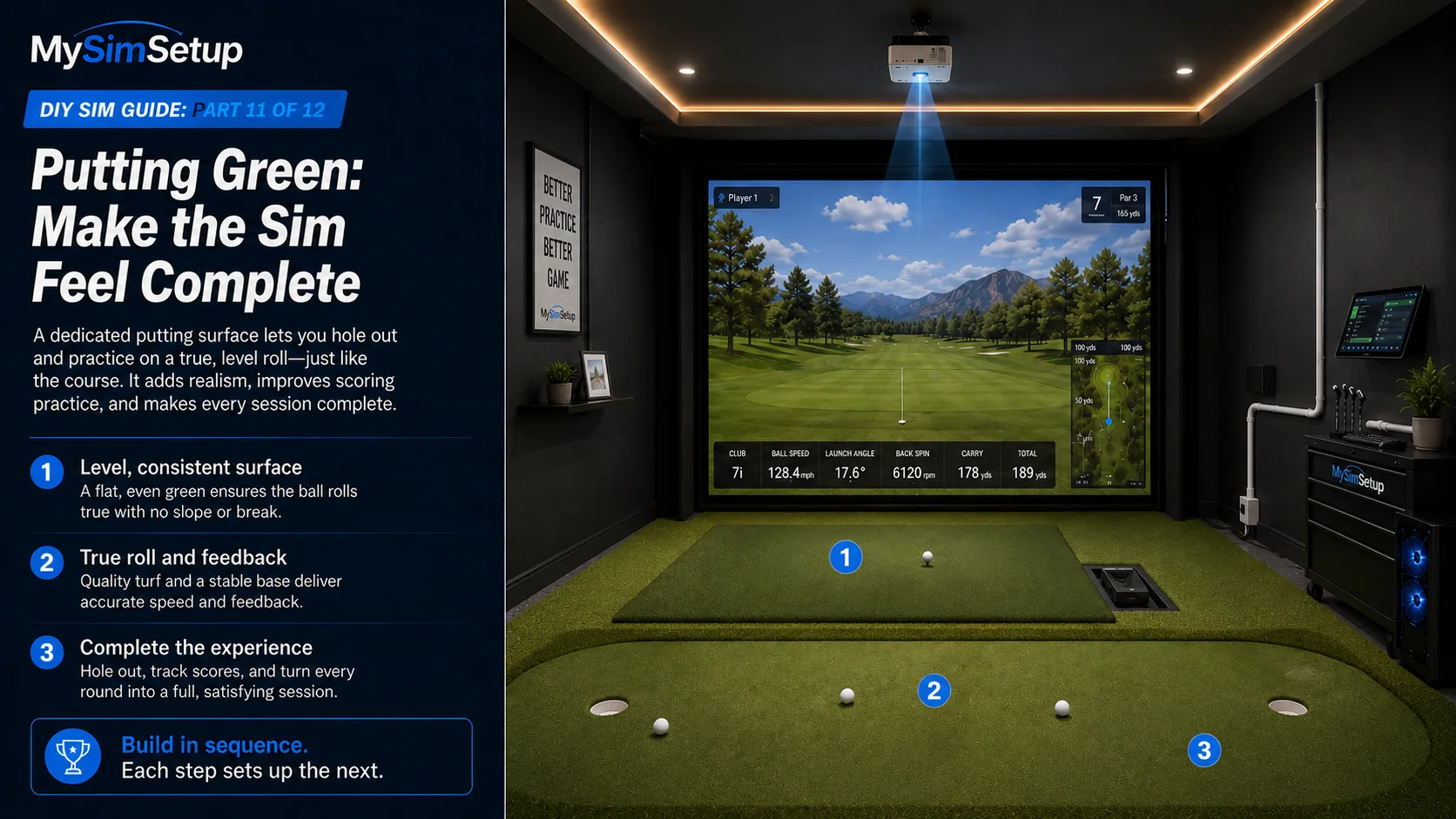
A dedicated putting surface lets you hole out and practice the strokes that actually save your score. Choose a turf with a roll speed you like and give it a few feet of true, level surface. Even a modest green makes the sim feel like a complete game rather than a driving range.
Swing capture and streaming
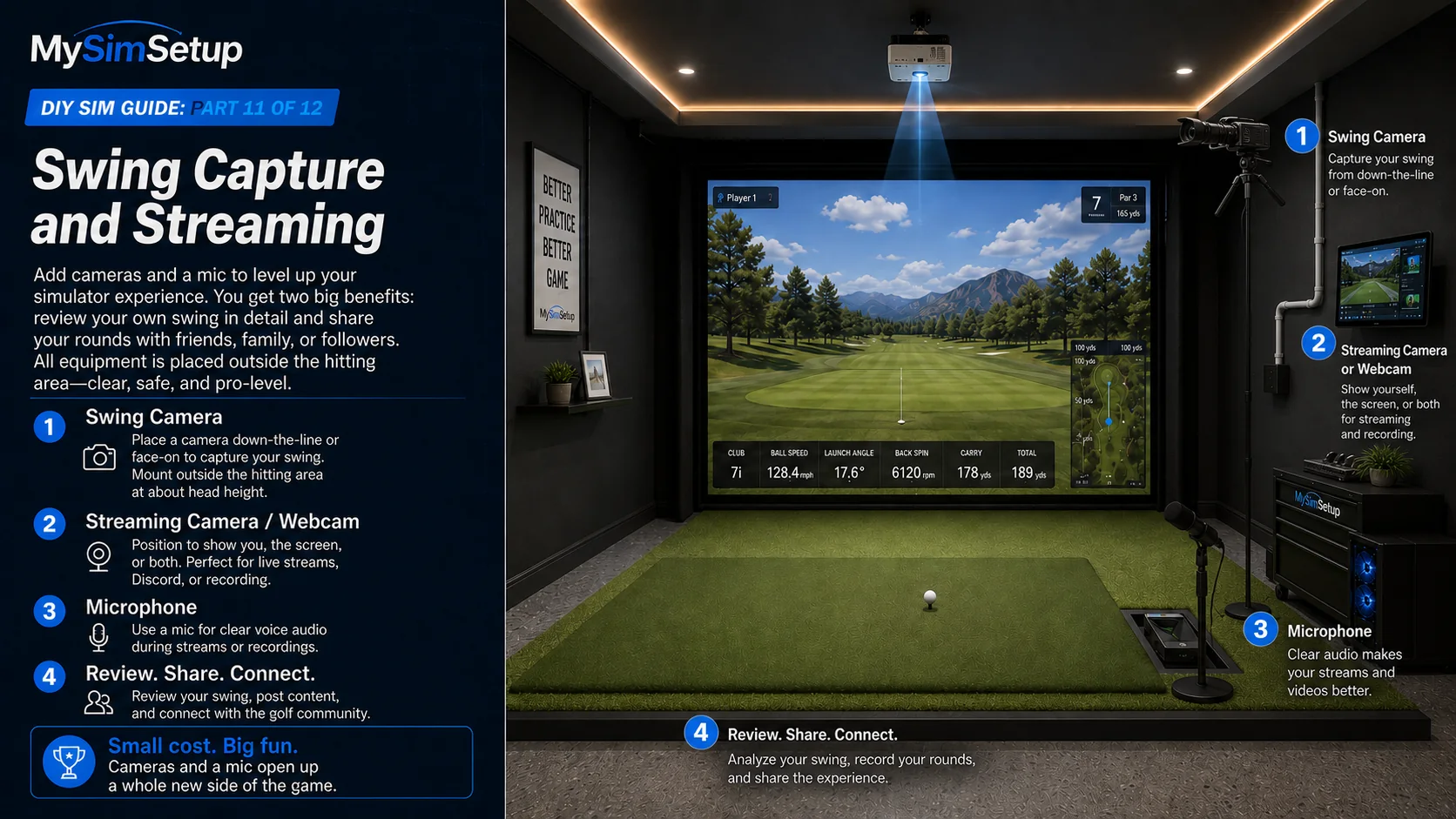
Cameras open up two things: reviewing your own swing and sharing your play. A face-on or down-the-line swing camera lets you study your motion; a streaming camera and microphone let you broadcast or record your rounds. If you ever want to share sessions with friends or a community, this is where a bay becomes a broadcast studio.
Seating and comfort
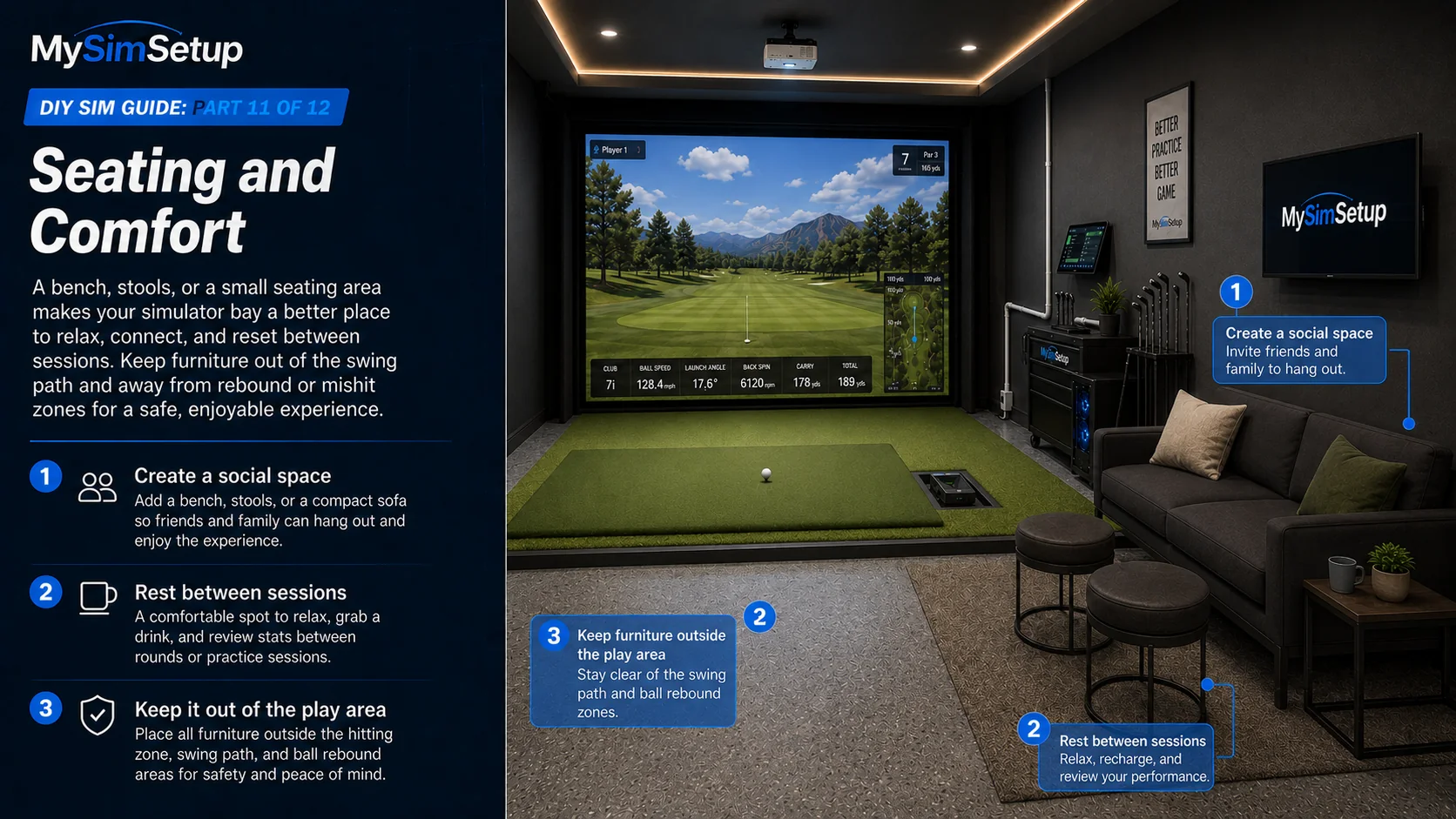
A bench, a couple of stools, or a small seating area turns the room social, somewhere friends can hang while you play, or you can rest between sessions. Comfort is what makes a bay a place people gather rather than just a spot to hit balls.
Lighting scenes and aesthetics
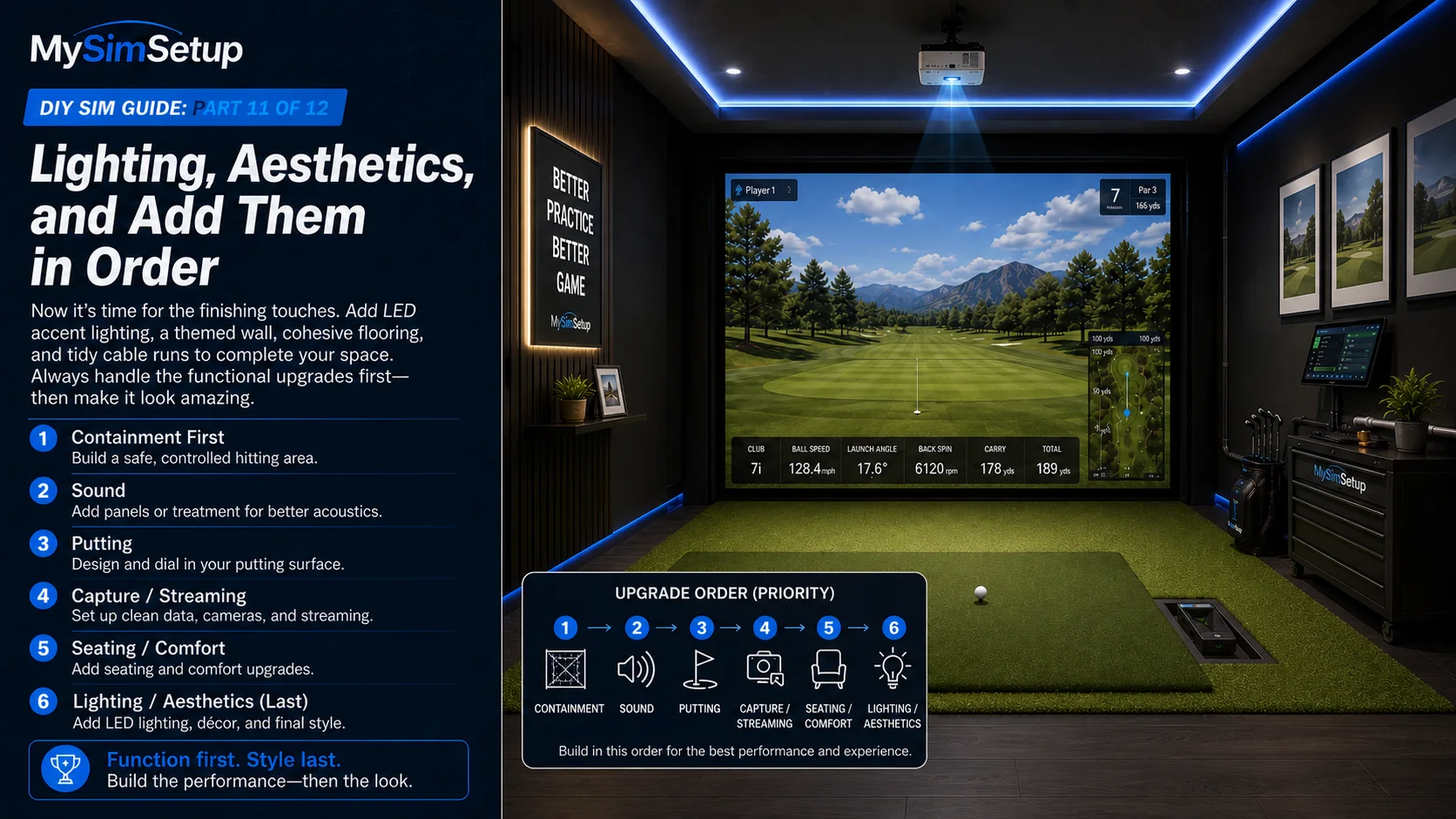
The finishing touches, LED accent lighting, a themed wall, cohesive flooring, tidy cable runs, are what make the room feel like a studio. These are the details you add last, once everything works, to make the space genuinely yours and a pleasure to walk into.
Add them in order
A sensible sequence: containment first (safety), then sound (immersion), then putting (completeness), then capture and streaming (improvement and sharing), then seating and aesthetics (comfort and finish). Work down the list as budget allows and each addition builds on a room that already plays well.