Learn
Learn to build a golf simulator
Start with the free build course, then the buying guide for each part.
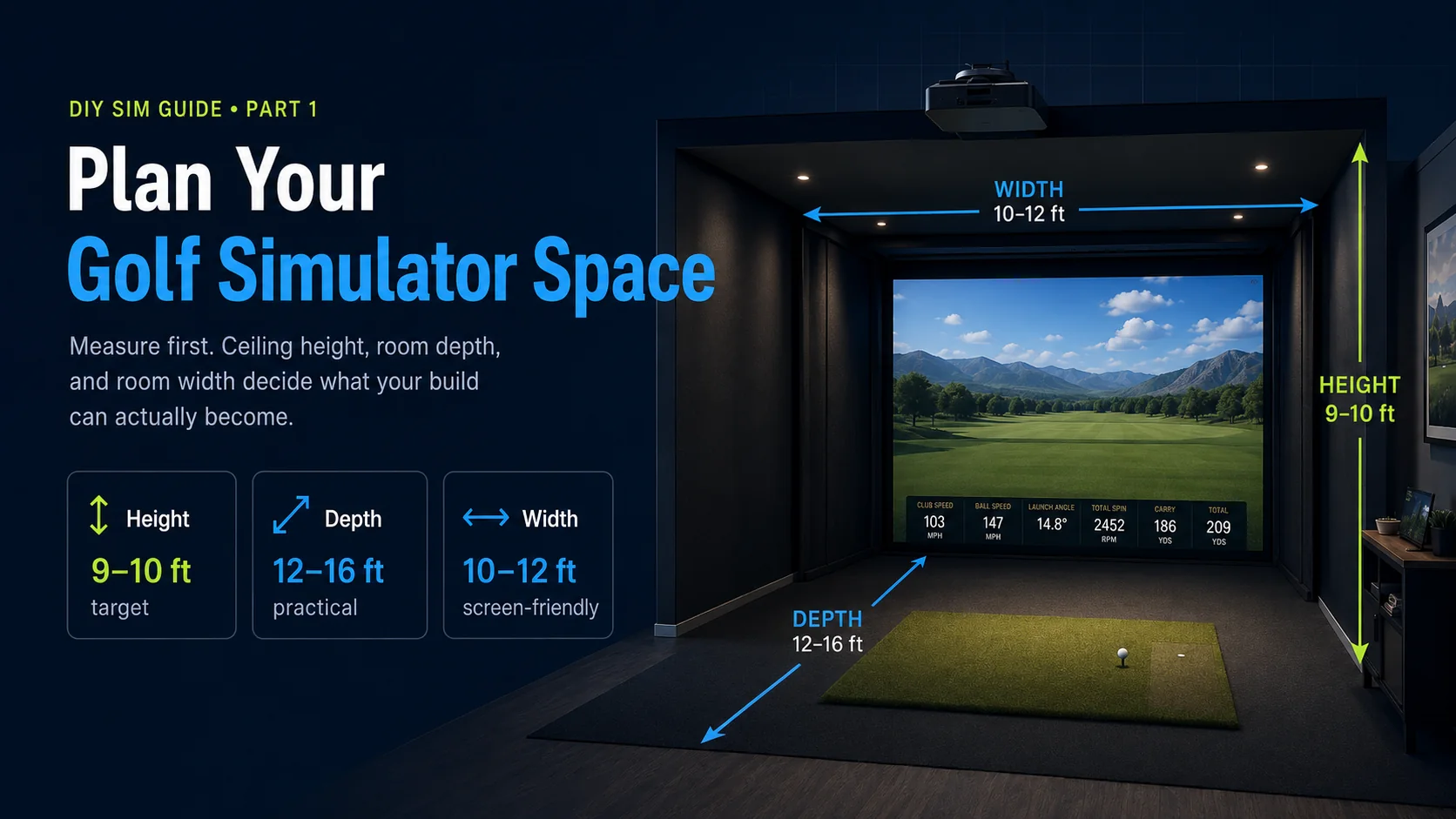
Build Bench, hands-on deep dives
Step-by-step companions for when you are mid-build with tools in hand.
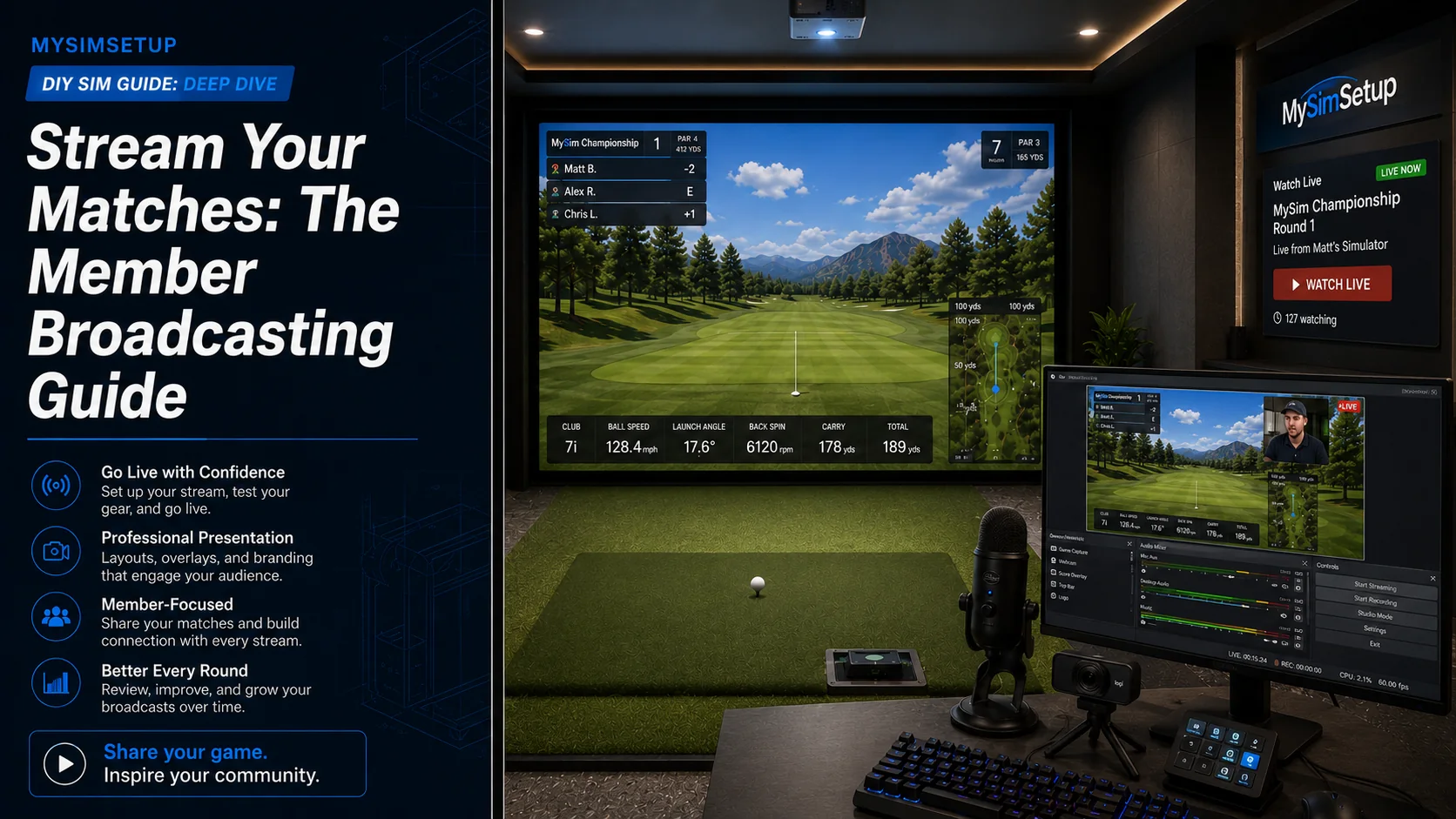
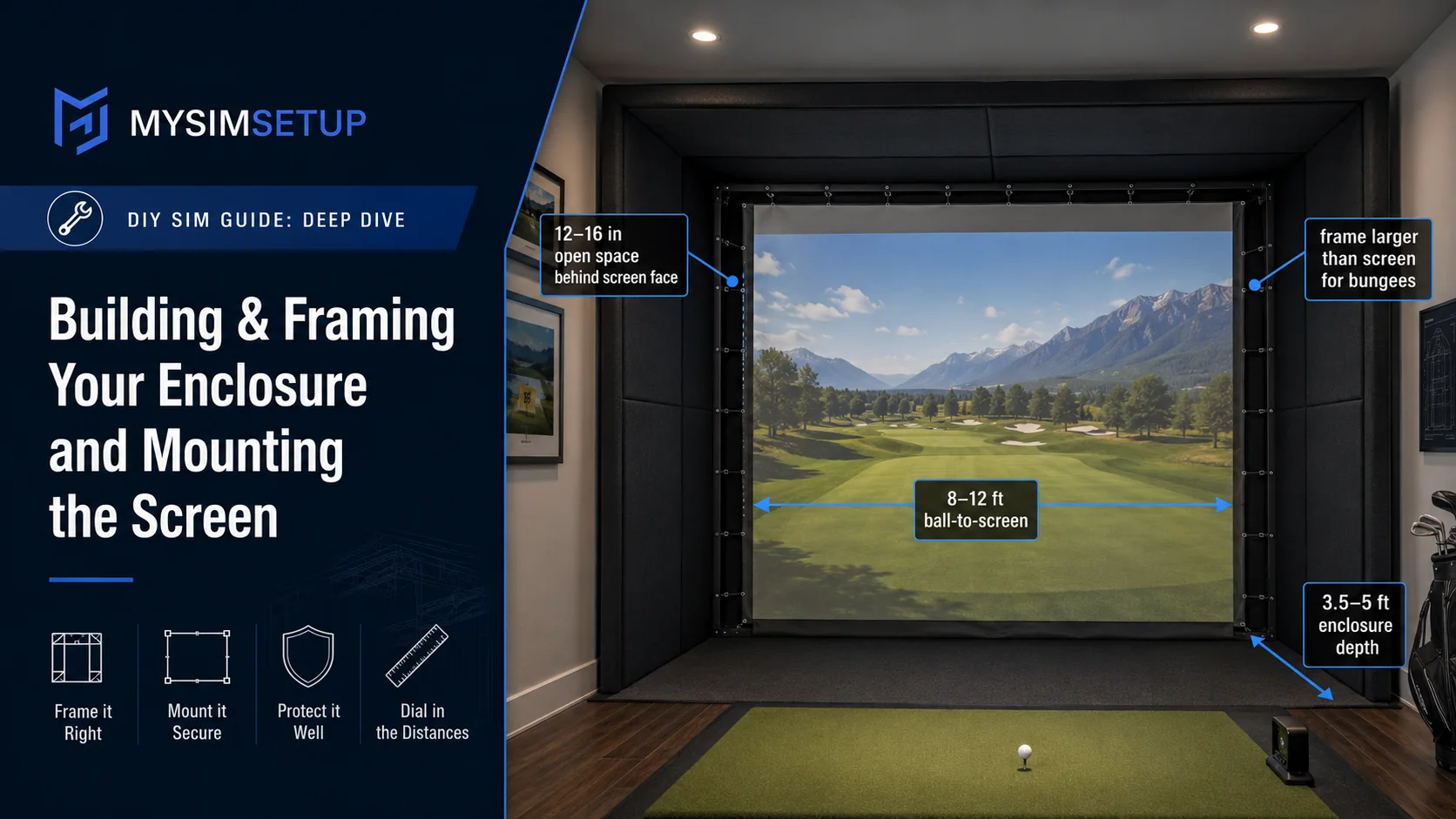
Webcam Putting in GSPro, From Setup to WorkingThe busiest topic in our community, and the one that beats the most people. This is the whole path in order: the license switch, the camera, the reading zone, the mask, the light, and the radius setting that decides whether a ten foot putt goes ten feet or a hundred. Built from what members who got it working actually did.26 min readStream Your Matches: The Member Broadcasting GuideGoing live turns your tournament round into an event: your match leads the Live TV rail, spectators follow the scorecard in the watch party, and your finish gets a replay link the whole clubhouse can tap. Here is the full setup, from OBS to on air, in about thirty minutes.4 min readBuilding & Framing Your Enclosure and Mounting the ScreenThe hands-on companion to Part 4. When you are standing in the room with conduit or lumber and a folded-up impact screen, this is the step-by-step: dimensions, framing, and how to tension the screen so it looks sharp and kills the ball.7 min read
Buying guides
Best-of picks for each part of the build, ranked by live price and updated for 2026.
- Best launch monitorsRadar vs camera, club data and accuracy, ranked by live price.
- Best projectorsThrow ratio, brightness, 4K vs 1080p for a golf bay.
- Best enclosuresFrames and screens sized to your room.
- Best impact screensImage quality, durability and ball-back.
- Best hitting matsTurf feel, durability and real-divot mats.
- Best sim softwareCourses, realism and launch-monitor support.
Compare the gear
Every option side by side, with specs and live pricing across retailers.
Launch monitorsProjectorsEnclosuresImpact screensMats and turfSoftware
Ready to buy? Live prices, side-by-side compare and the best retailer for each part, and some parts we sell direct.Shop gear and deals